

NovaGuard › Produktdokumentation › NovaGuard 6.04R4 User Manual › 2.1.1.3 ISO Image-Based Deployment
2.1.1.3 ISO Image-Based Deployment
Step 1. Prepare for the installation.
For installation on physical servers, use software such as UltraISO to burn the ISO template to a blank USB device or DVD. For installation on virtual machines, directly import the ISO image or mount a disk first.
Step 2. Install the NovaGuard manager.
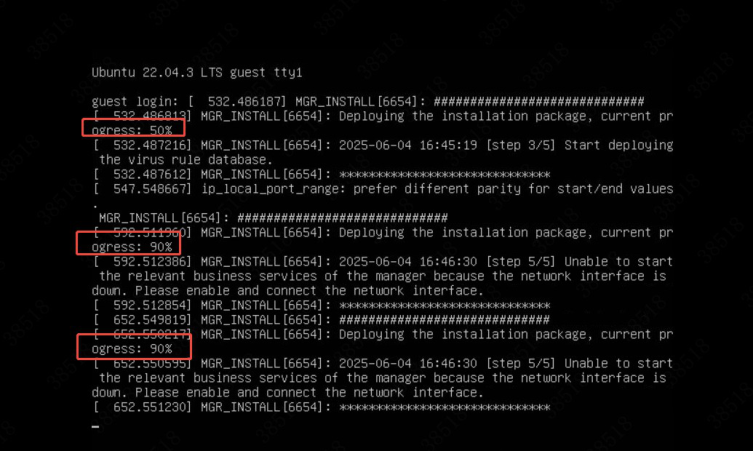
During the image import process, the console will display the installation progress.The deployment finishes after the import is complete, without additional operations.
You do not need to log in to the server as the root user. If you have special requirements, call +60 12711 7129 (7511) to obtain the root password.
Step 3. Configure network settings.

NovaGuard 6.04R4 Manual.pdfPDF · Englisch · 24,1 MB
Herunterladen