

4.1 Login Page of NovaGuard manager
To ensure security, you must log in to the NovaGuard manager via the HTTPS port. Open a browser, enter " https://[NovaGuard_IP]" (the default IP address is 10.251.251.251), and press Enter.
Note:
-
When the prompt "The identity of this website or the integrity of this connection cannot be verified." appears, click Yes.
-
For 6.0.4R2 and earlier versions, the default platform IP address is 10.251.251.251.
-
The browsers such as Internet Explorer 11 or later, Firefox, and Chrome are supported.
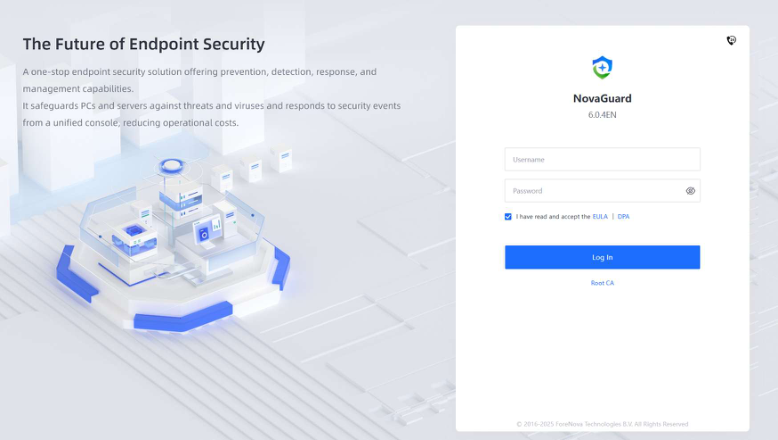
Enter the username, password, and verification code in the login boxes and click Log In .
Note:
The default username and password are both admin .
Follow the system prompt to change the default administrator password after the first time login to ensure platform security.
