4.7.9.9 Tools
On the Tools page, you can use Offline Security Patch Downloader and Agent Uninstaller .
Offline Security Patch Downloader
This tool can be used with NovaGuard's vulnerability detection and repair feature. When the NovaGuard manager and the managed endpoints of a customer cannot access the Internet, they can use this tool to download vulnerability patches and then import the patches to the NovaGuard manager and fix vulnerabilities of endpoints.
To download Offline Security Patch Downloader, go to System - System Tools, as shown in the following figure.
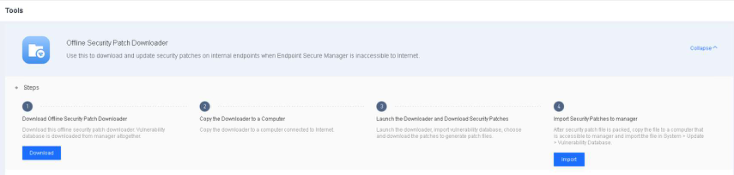
Step 1. After downloading the tool, copy it to an endpoint with Internet access.
Step 2. Run the tool to download a vulnerability patch package, as shown in the following figure.
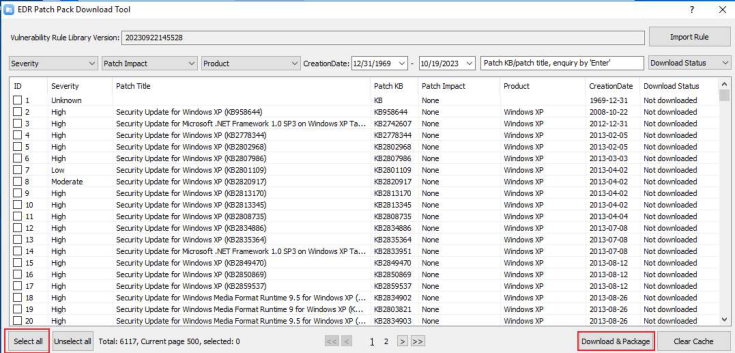
Step 3. Import the downloaded vulnerability patch package into the NovaGuard manager, as shown in the following figure.
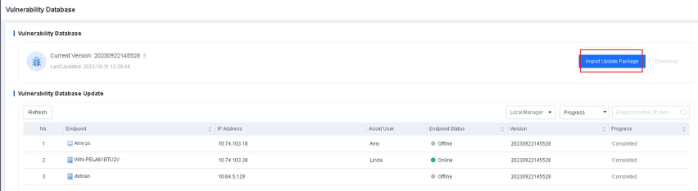
Step 4. Run an NovaGuard manager vulnerability scan and fix the detected vulnerabilities.
Note:
We recommend that you download vulnerability patches as needed. The downloaded patch
package can be huge if you download all patches simultaneously. As a result, the import
may fail.
Agent Uninstaller
When the NovaGuard agent is disconnected from the Internet, and the uninstallation password cannot be used, you can download Agent Uninstaller from the NovaGuard manager and share it with endpoint users who want to uninstall the NovaGuard agent from their endpoints.
1. Download Agent Uninstaller from the NovaGuard manager
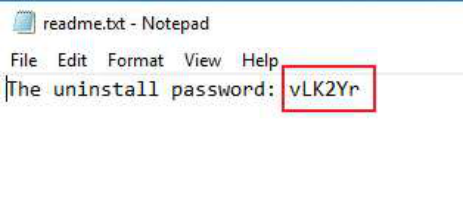
The downloaded Agent Uninstaller package contains the uninst.exe file, configuration files, and the uninstallation password in plain text.
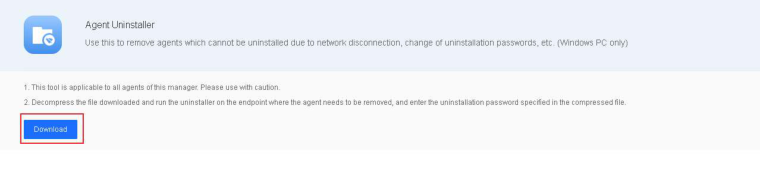
2. Run Agent Uninstaller on a Windows endpoint
The endpoint user receives the Agent Uninstaller package, decompresses it, and runs uninst.exe.
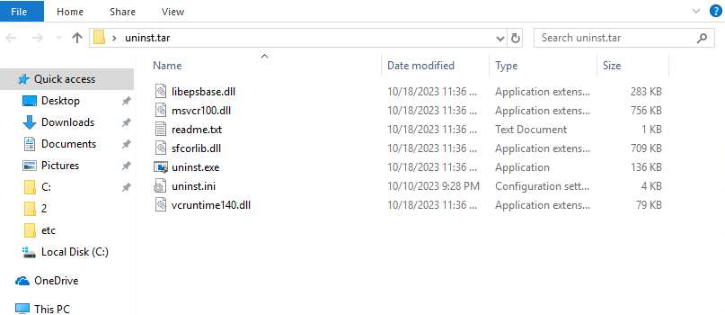
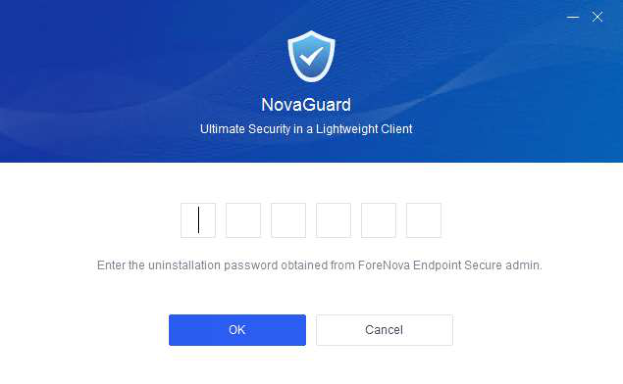
On the UI of Agent Uninstaller, the endpoint user enters the uninstallation password in the readme.txt file to start the uninstallation.