

NovaSensor › Produktdokumentation › Import or create a NovaSensor in Hyper-V
Import or create a NovaSensor in Hyper-V
Import or create Hyper-V machine for NovaSensor.
Steps:
- Unpack the import files from the rar archive to a folder of choice
- Start Hyper-V Manager
- For Hyper-V older than Windows 2025, just use the disk from the import folder and create a VM manually, see steps:
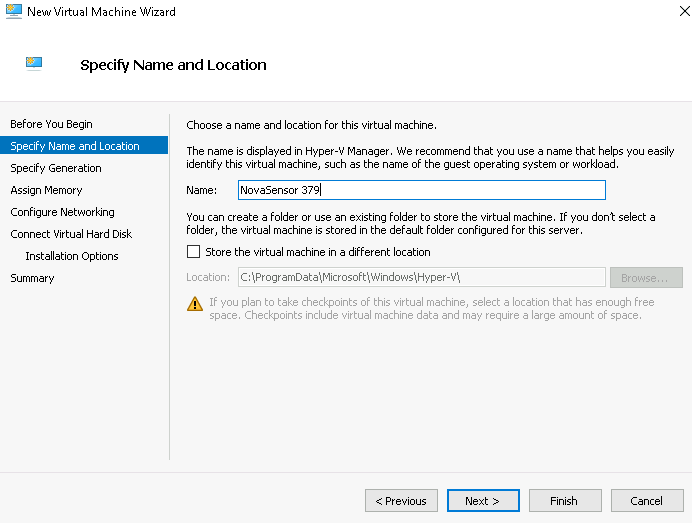
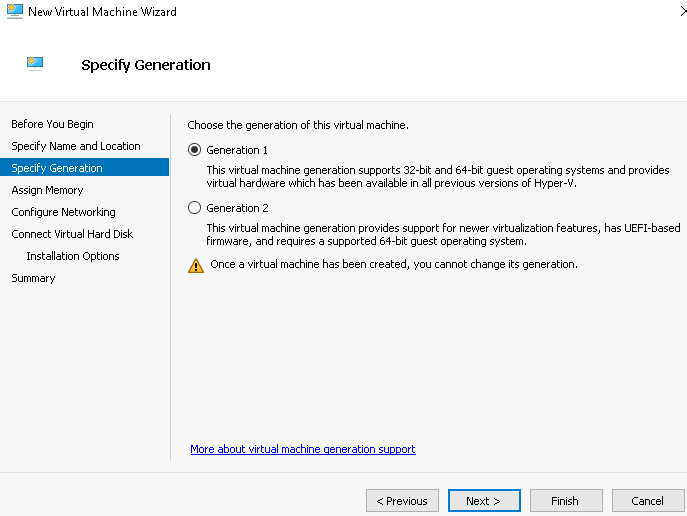
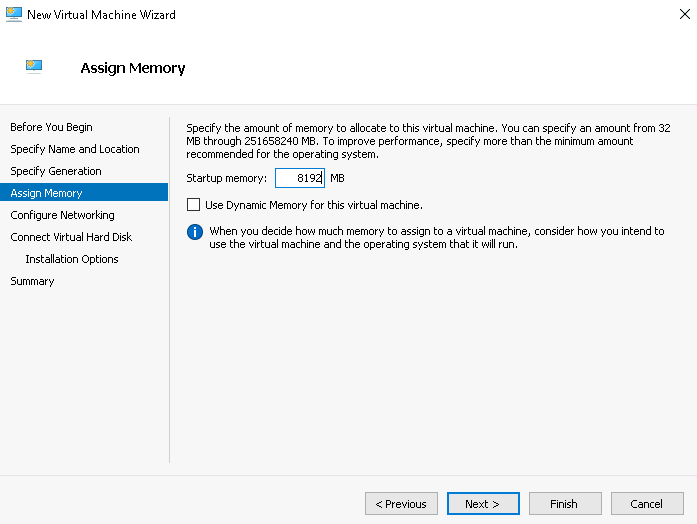
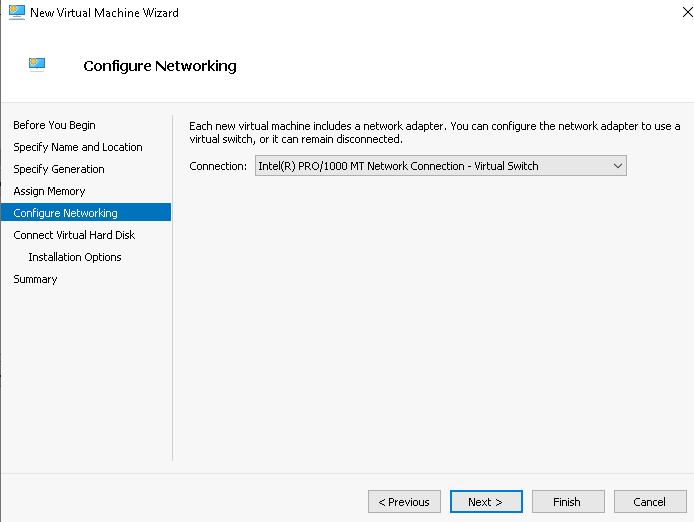
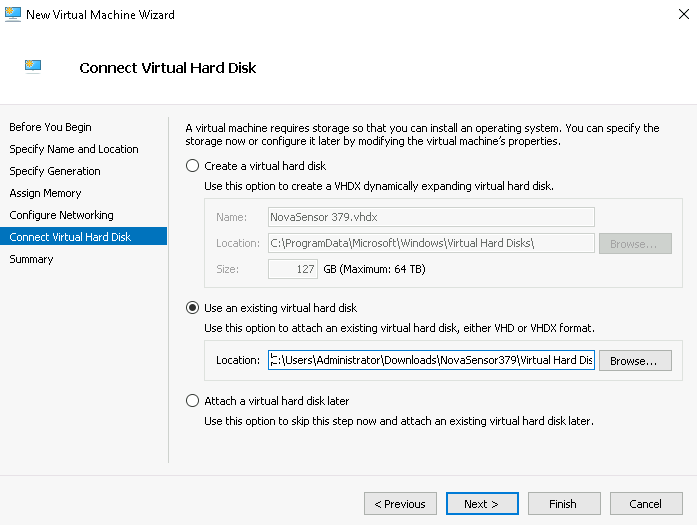
Assign the disk to the VM from the import folder or where you have copied the disk to.
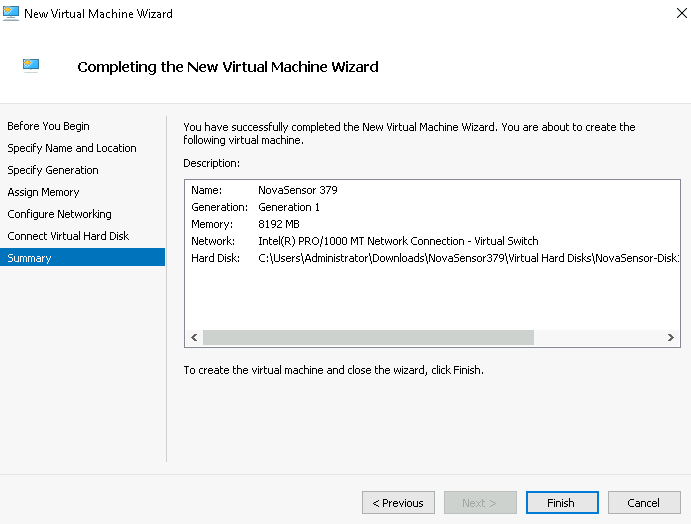
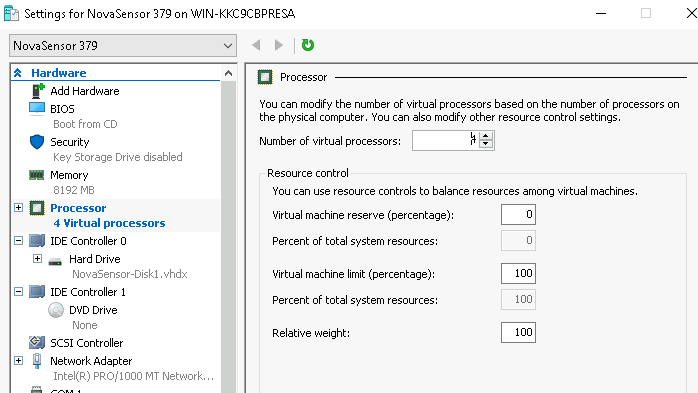
Set the number of CPU to at least 4
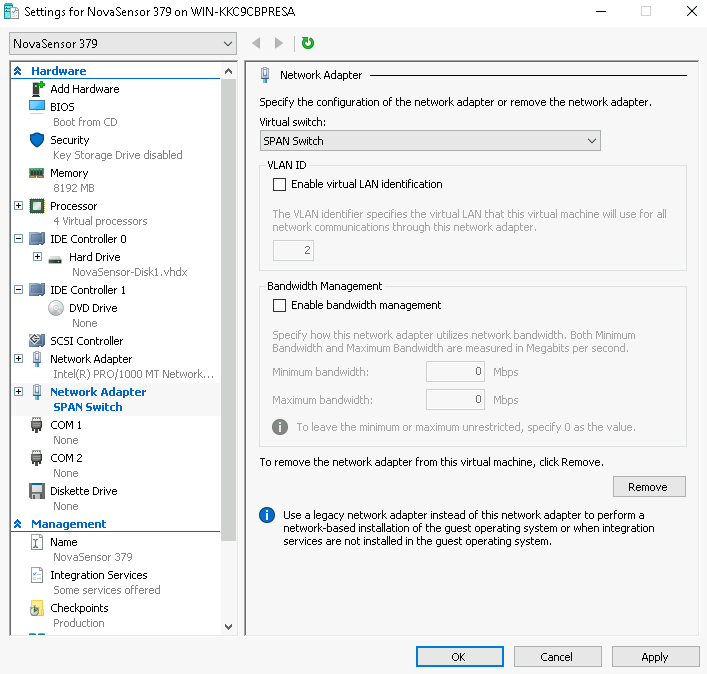
Add a second network adapter to your SPAN switch in Hyper-V
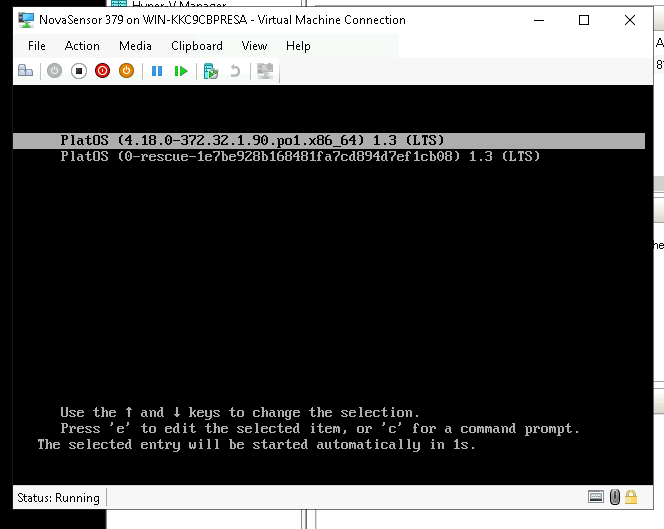
Boot the machine and see if it comes up.
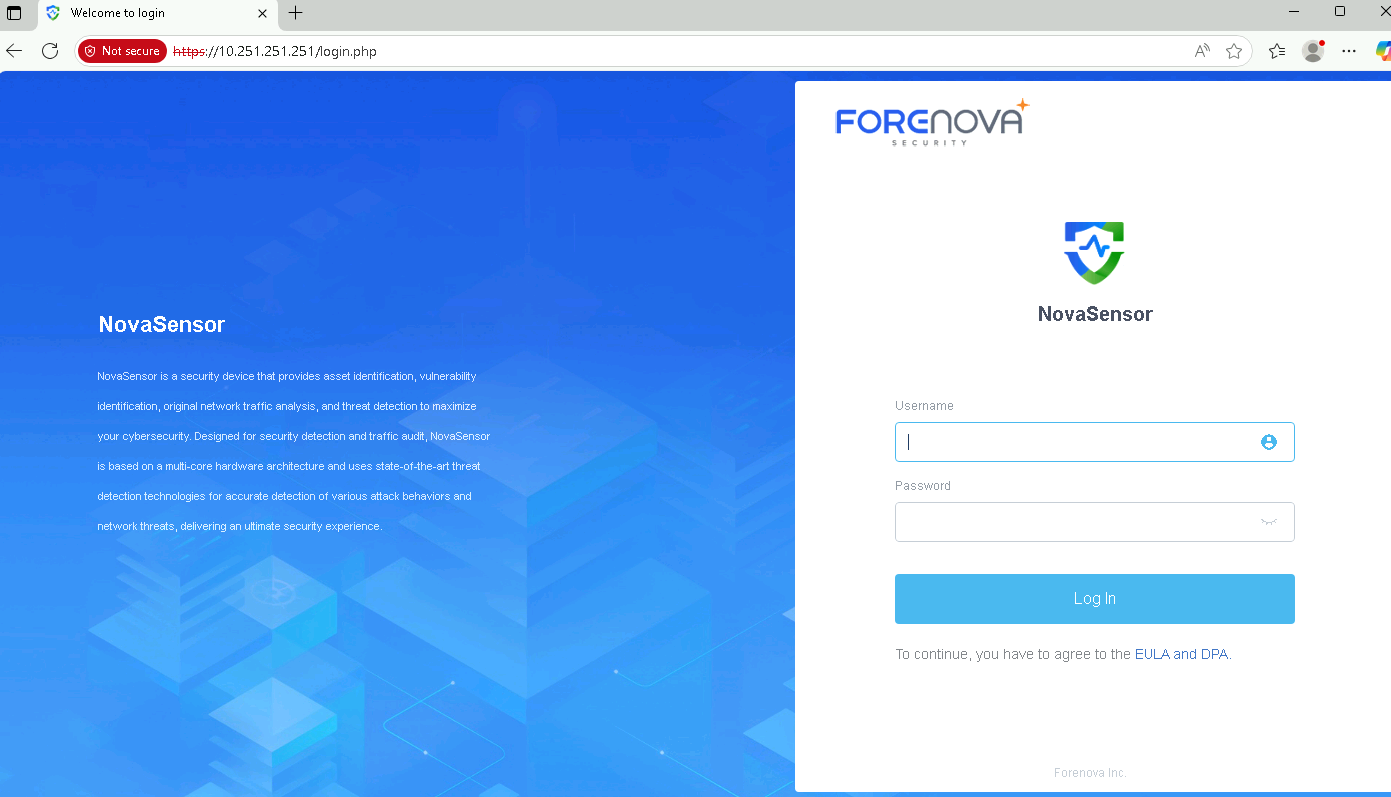
Set an IP address in the same network as the NovaSensor so you can reach the default IP address: https://10.251.251.251
From Windows 2025 Hyper-V, you can use the import function:
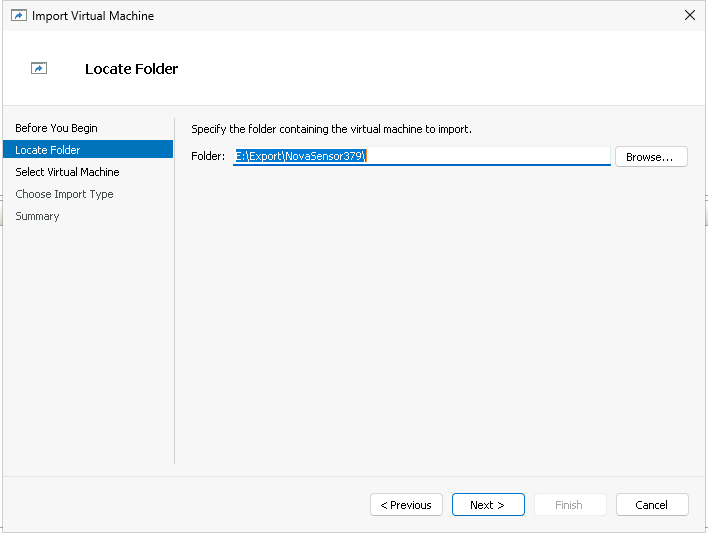
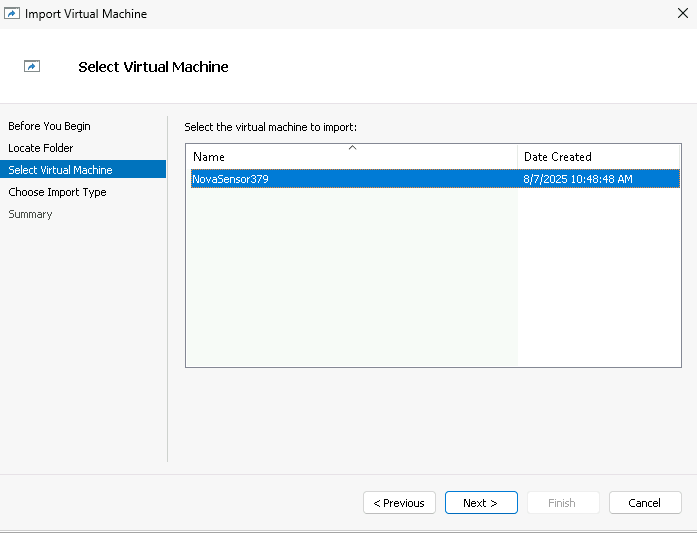
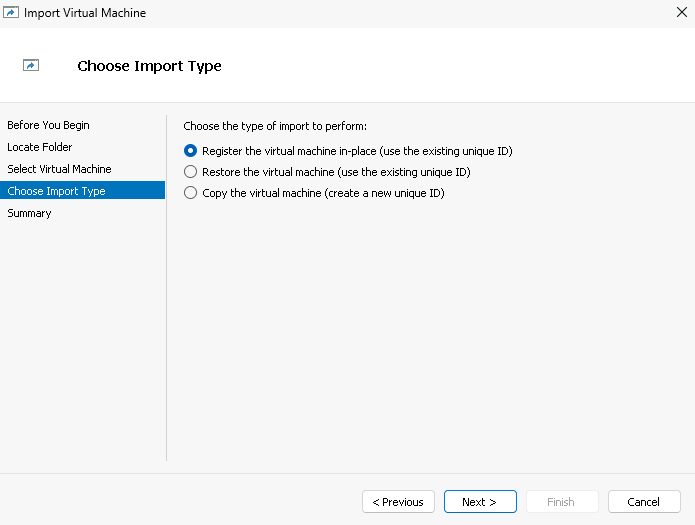
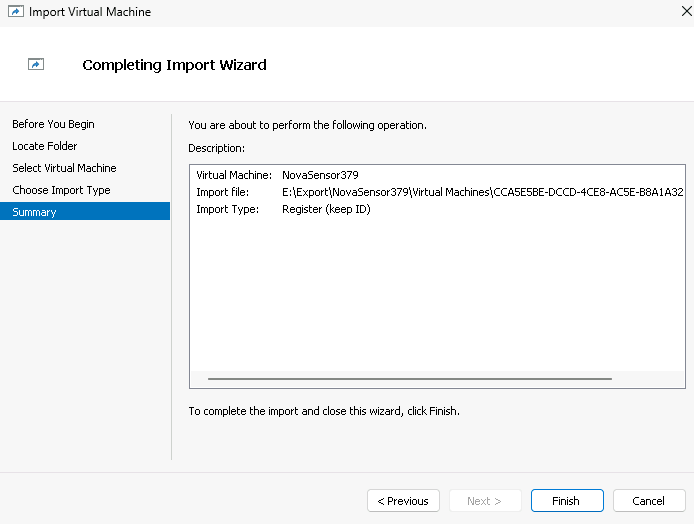
After these steps, please continue with adding a network adapter described above.

ForeNova NovaSensor Hyper-V Import or Create.pdfPDF · Englisch · 321,0 KB
Herunterladen