2.3.2.1 Manual Installation
Manual installation is the most commonly used method in small-scale deployment scenarios. Administrators download the NovaGuard agent installer from the NovaGuard manager and copy the installer to endpoints for installation using portable devices such as USB devices. The procedure is as follows:
Step 1. Download the NovaGuard agent installer from the NovaGuard manager. Go to System - Agent Deployment - Agent Download, select Windows - Agent Installation on Physical Machines, and click Download under Manual Installation, as shown in the following figure.


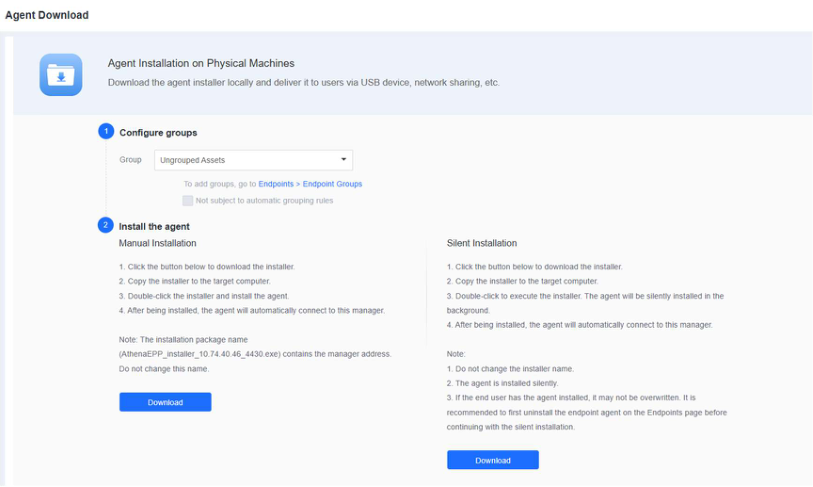
The installer name (like NovaGuard_installer_[ Manager IP] _4430.exe) contains the IP
address of the EPP manager. Do not change the installer's name .
Step 2. Copy the installer to the target endpoint and double-click it to install. Reserve 5 GB of space for the installation. The default installation path is on the C drive. To install the NovaGuard agent on another drive, make sure you have super administrator permissions. Otherwise, use the default installation path.
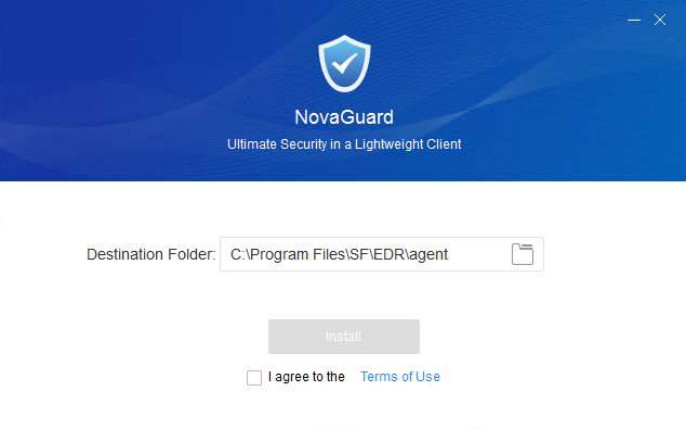
Read the terms of use, check I agree to the Terms of Use, and click Install . Then, the installer connects to the NovaGuard manager to download the necessary installation components, as shown in the following figure.
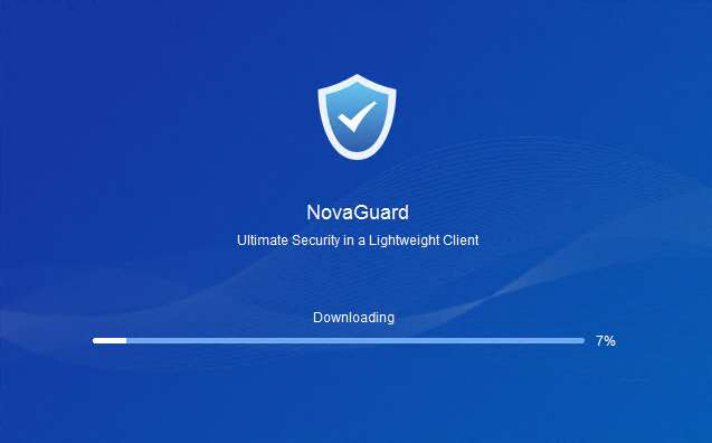
Wait for the installation of the components downloaded from the NovaGuard manager to complete.
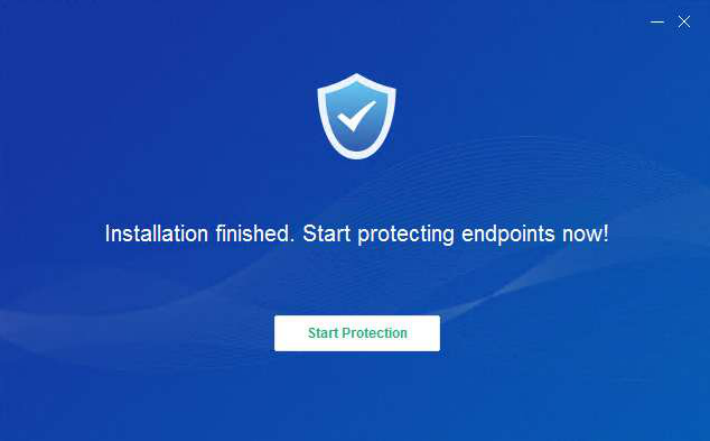
After the installation, click Start Protection to register the asset, as shown in the following figure.
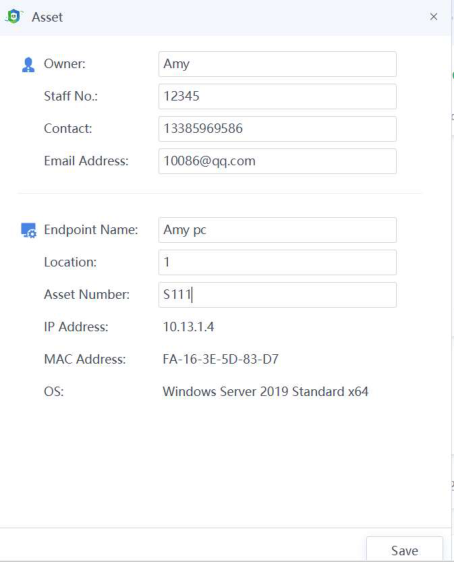
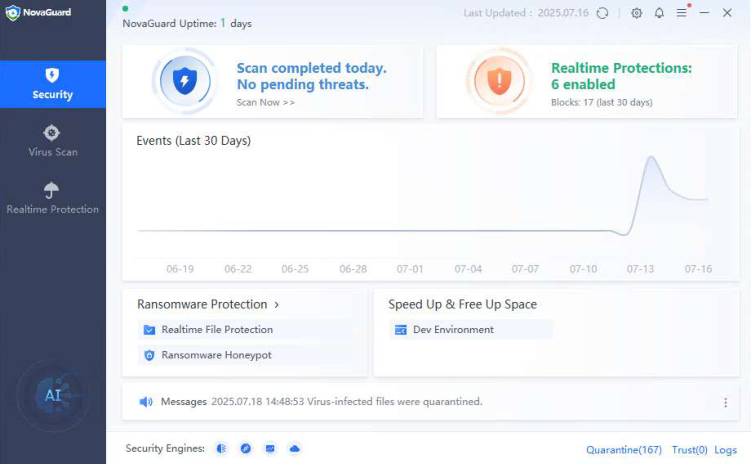
The NovaGuard agent is successfully installed once the NovaGuard homepage appears after the registration.
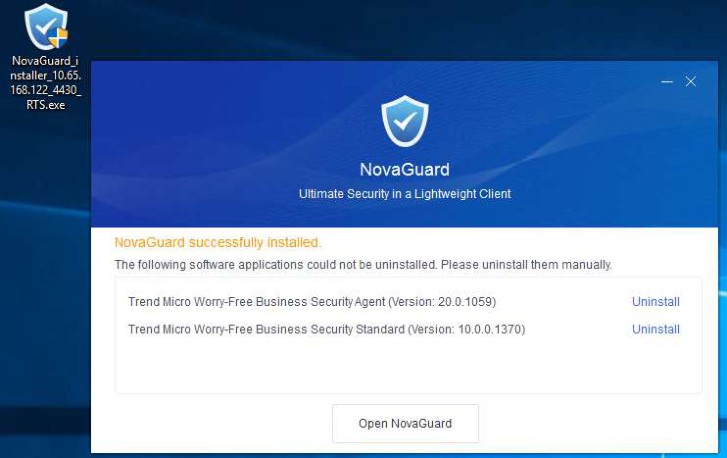
When you install the NovaGuard agent on an endpoint, NovaGuard automatically detects and uninstalls third-party antivirus software that is incompatible with the NovaGuard agent on the endpoint during the agent installation process.
Modify the file name of the agent installation file and add the suffix _RTS at the end. It will uninstall the third-party EDR when the agent is installed. Otherwise, it will not uninstall the third-party EDR.