

NovaGuard › Product Documentation › NovaGuard 6.04R4 User Manual › 2.4.1 Uninstall from a Windows Endpoint
2.4.1 Uninstall from a Windows Endpoint
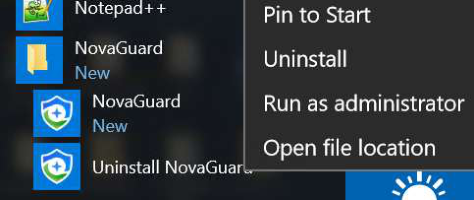
Open the Start menu of the Windows endpoint, find the NovaGuard agent, click Uninstall NovaGuard agent, right-click the NovaGuard agent, select Uninstall, and follow the uninstallation prompts, as shown in the following figure.
On the uninstallation page that appears, click Uninstall .
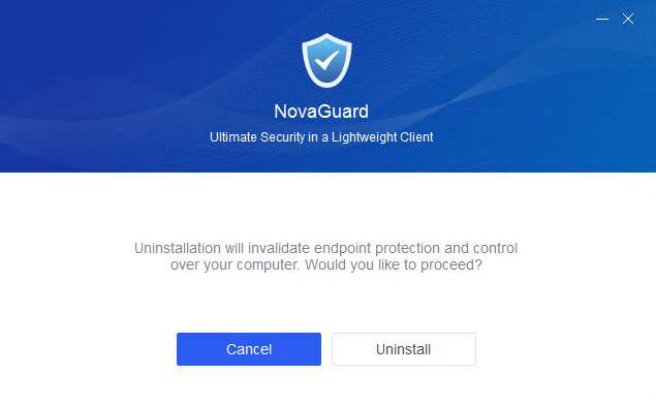
Wait for the following prompt page to appear.


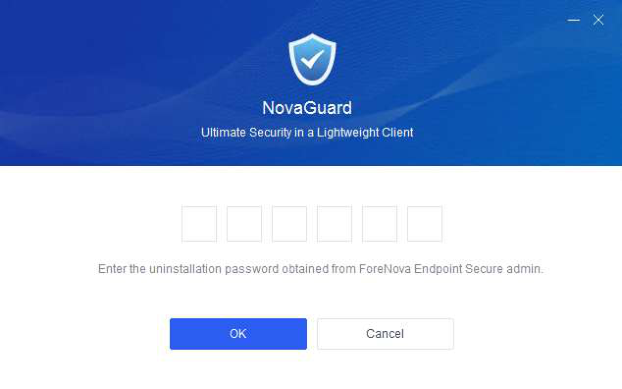
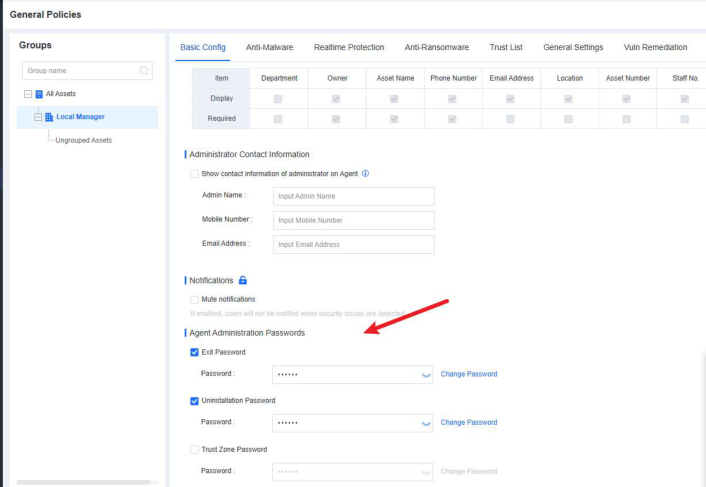
NovaGuard agent uninstallation requires the uninstallation password, which you can find in
Policies - General Policies - Basic Config - Agent Administration Passwords .
Enter the uninstallation password, click OK, and wait for the uninstallation to complete.
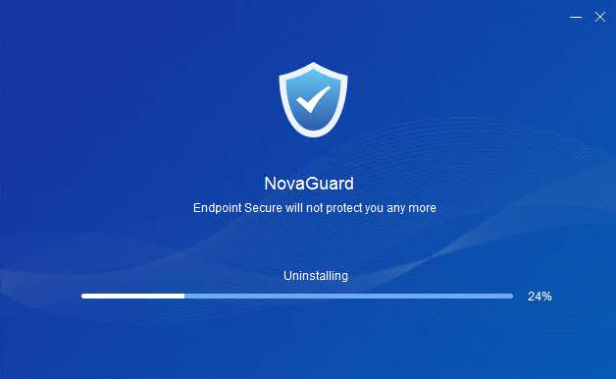
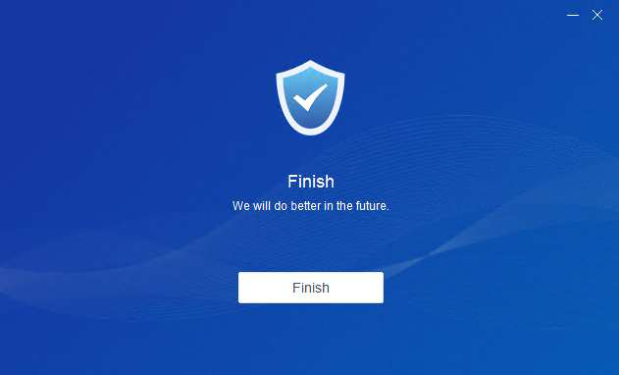
The uninstallation is complete once the following prompt appears.

NovaGuard 6.04R4 Manual.pdfPDF · Language unconfirmed · 24.1 MB
Download