

NovaGuard › Product Documentation › NovaGuard 6.04R4 User Manual › 4.2.1.6 Suspicious Scans
4.2.1.6 Suspicious Scans
The NovaGuard agent can actively and passively detect the port scanning activity. The agent-installed endpoint can actively detect the port-scanning activity and detect the port-scanning activity from other endpoints toward the agent-installed endpoint.
Suspicious scans will be reported automatically once detected without requiring manual configuration.
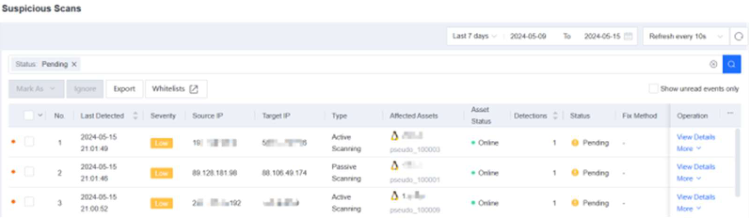
Click View Details to view the details of a suspicious scan event, including the source IP address, target endpoint and port, time when the scan was detected, number of occurrences, and recommendations.
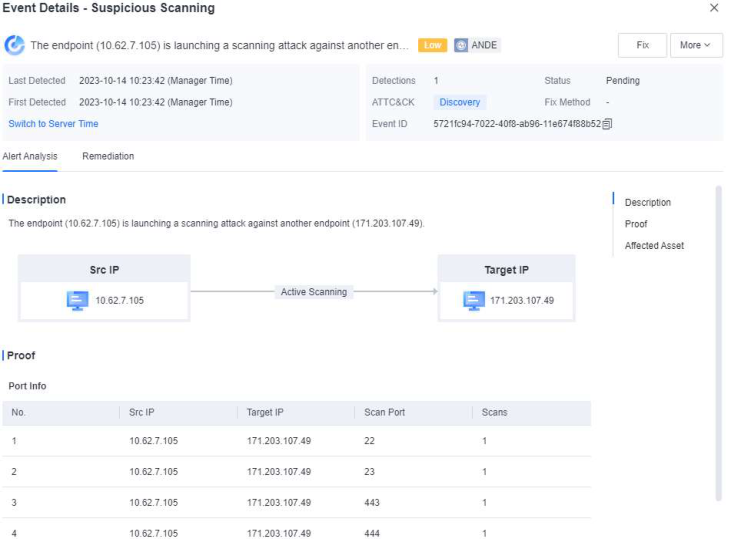
Click Fix to fix the compromised endpoint.
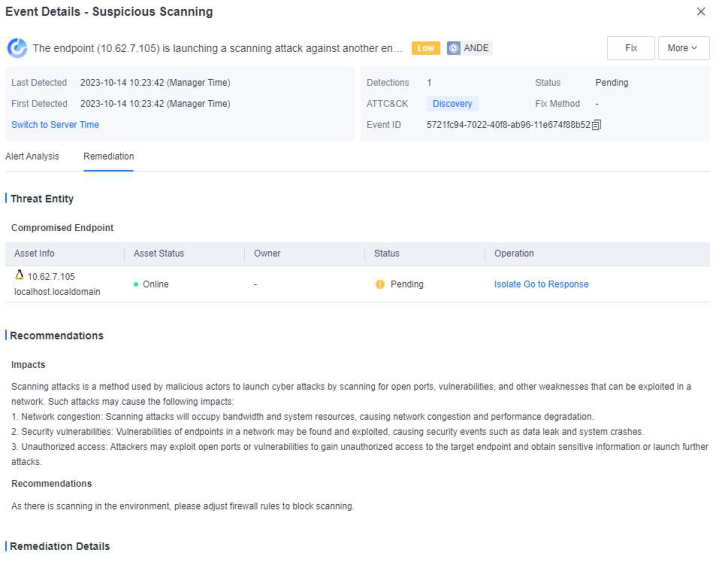
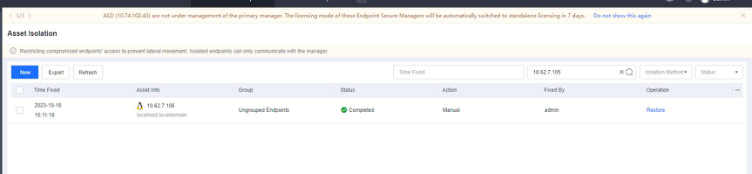
Click Go to Response . You will be redirected to the Detection and Response Response page to view event logs.

NovaGuard 6.04R4 Manual.pdfPDF · English · 24.1 MB
Download