

NovaGuard › Product Documentation › NovaGuard 6.04R4 User Manual › 4.7.7.5 Admin Logs
4.7.7.5 Admin Logs
On the Admin Logs page, you can view information about administrative operations performed on the NovaGuard manager in columns such as Time, Username, IP Address, Action, Module, Description, and Result, as shown in the following figure.
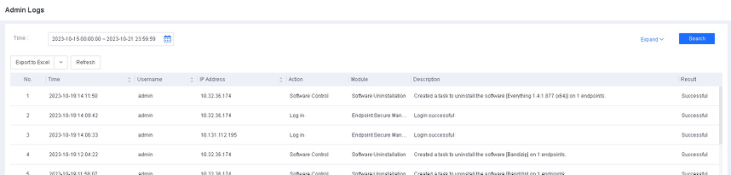
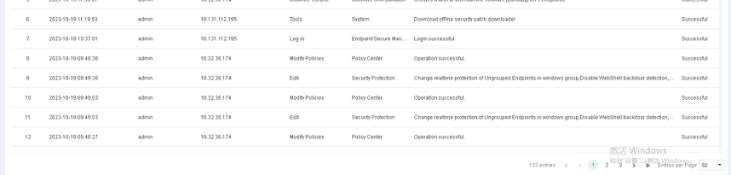
You can filter logs by time, then click Expand to filter logs by username and IP address. Once you have applied your filters, you can export the filtering results.

NovaGuard 6.04R4 Manual.pdfPDF · English · 24.1 MB
Download